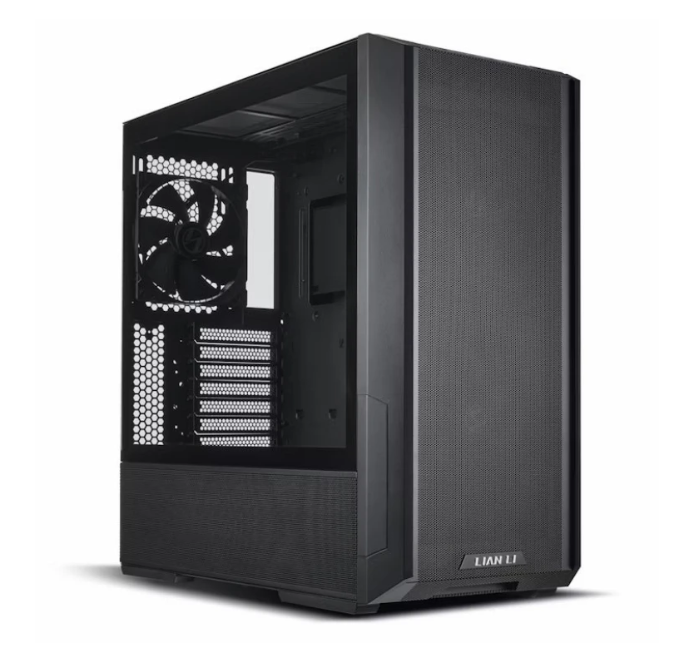
Optimising your gaming PC in 2025 has become more important than ever. With modern games pushing hardware limits, AI-powered workloads growing, and higher resolutions becoming standard, gamers across the UK are looking for smarter ways to squeeze every drop of performance from their rigs. Whether you’re preparing a new build or upgrading an older machine, applying strategic optimisation can drastically improve speed, stability, and long-term value. This guide breaks down the essential tweaks you need, especially in the context of gaming pc cooling and noise 2025 and the increasingly important pc upgrade cycle 2025.
1. Start With a Balanced Hardware Foundation
Before applying optimisations, the core of your system must be well-balanced. In 2025, CPU and GPU pairing matters more than ever. Avoid bottlenecks by selecting components that complement each other. For example, a mid-range CPU paired with a high-end GPU will limit performance, especially in CPU-demanding titles like Starfield or competitive shooters.
Focus on:
- A modern multi-core CPU (Intel 14th-gen or AMD Ryzen 8000 series)
- A GPU capable of smooth 1440p or 4K gaming
- Sufficient RAM (16–32GB DDR5 recommended)
- Fast SSD storage for reduced loading times
Once these essentials are in place, optimisation can elevate the entire system.
2. BIOS & Firmware Optimisation
Your BIOS holds settings that influence performance, efficiency, noise levels, and thermal behaviour.
Important BIOS tweaks for 2025:
- Enable Resizable BAR for GPU performance boosts
- Activate EXPO/XMP for full DDR5 speeds
- Update firmware to fix stability issues and improve CPU boost behaviour
- Adjust fan curves for quieter operation
Many builders overlook the BIOS, but a properly tuned firmware setup can deliver smoother performance without spending a penny.
3. Temperature Control and Smart Cooling
With GPUs and CPUs becoming more powerful, managing heat is crucial. The focus on gaming pc cooling and noise 2025 has risen dramatically as gamers demand quieter systems that perform under pressure.
Key Cooling Optimisation Tips
- Use high static-pressure fans on radiators and airflow fans on intakes/exhausts
- Choose a CPU cooler appropriate to your TDP: high-end air coolers or 240/360mm AIOs
- Optimise case airflow with well-placed intake and exhaust fans
- Replace stock thermal paste with a quality compound
For silence seekers, consider:
- Zero-RPM fan modes
- GPU fan tuning
- Noise-dampened cases
In 2025, cooling is not just about performance — it also protects your components, increases lifespan, and ensures stable gameplay.
4. GPU & CPU Software Optimisation
Modern GPUs come with powerful software tools that allow for fine-tuning performance.
GPU Optimisation Steps
- Enable DLSS 3, FSR 3, or XeSS for smoother gameplay
- Undervolt GPUs for cooler, quieter operation
- Adjust power limits for efficiency gains
- Custom fan curves for quieter gaming sessions
CPU Optimisation
- Set proper power profiles
- Apply undervolting if supported
- Enable Precision Boost Overdrive (AMD) or Intel’s Adaptive Boost
These tweaks can significantly extend component life while boosting efficiency.
5. Storage and OS Enhancements
Windows 11 continues to evolve in 2025 with improved gaming support, but it still benefits from manual optimisation.
Recommended steps:
- Install games on NVMe SSDs for faster loading
- Enable “High Performance” mode in Windows
- Disable unnecessary startup apps
- Use Game Mode for better resource allocation
These simple changes can greatly reduce lag spikes and system slowdowns.
6. Understanding the PC Upgrade Cycle in 2025
The pc upgrade cycle 2025 is not what it used to be. With longer generational leaps and more durable components, many gamers keep their systems for 4–6 years with minor upgrades in between.
Smart Upgrade Strategy
- Upgrade your GPU every 3–5 years depending on gaming resolution
- Upgrade your CPU every 5–7 years unless new workloads appear
- Add more RAM or SSD storage as needed
- Replace cooling systems every 3–4 years for optimal performance
This approach ensures long-term system stability without constant spending.
7. Software & Game-Level Tweaks
Even with the best hardware, poorly optimised games can bottleneck performance. Use in-game settings wisely:
- Lower ray tracing for major FPS gains
- Use DLSS/FSR when available
- Balance textures based on available VRAM
- Disable motion blur and film grain for clarity and higher FPS
Combining these with proper system optimisation creates a noticeably better gaming experience.
8. Regular Maintenance for Long-Term Performance
A key part of optimisation is consistency. Regular cleaning, thermal paste replacement, and software updates ensure your system stays efficient.
Maintenance checklist:
- Clean dust from fans, filters, and radiators every 2–3 months
- Replace thermal paste every 18–24 months
- Update GPU drivers regularly
- Monitor system temperatures with tools like HWMonitor or MSI Afterburner
A well-maintained PC stays quieter, cooler, and faster for years.
Final Thoughts
PC build optimisation in 2025 is all about smart adjustments rather than expensive upgrades. By focusing on cooling, firmware settings, software tuning, and understanding the modern pc upgrade cycle 2025, you can dramatically improve performance and longevity. Whether you’re gaming at 1440p or 4K, efficient gaming pc cooling and noise 2025 strategies combined with regular maintenance will keep your system running like new.