If you have just been told your details were leaked, the first hours matter. This data breach what to do guide gives you the order to work in: secure your accounts, ask the organisation the right questions, watch for scams, protect your identity and, if you want to, complain. It follows the Information Commissioner’s Office (ICO) advice for people in the UK, with practical extras.
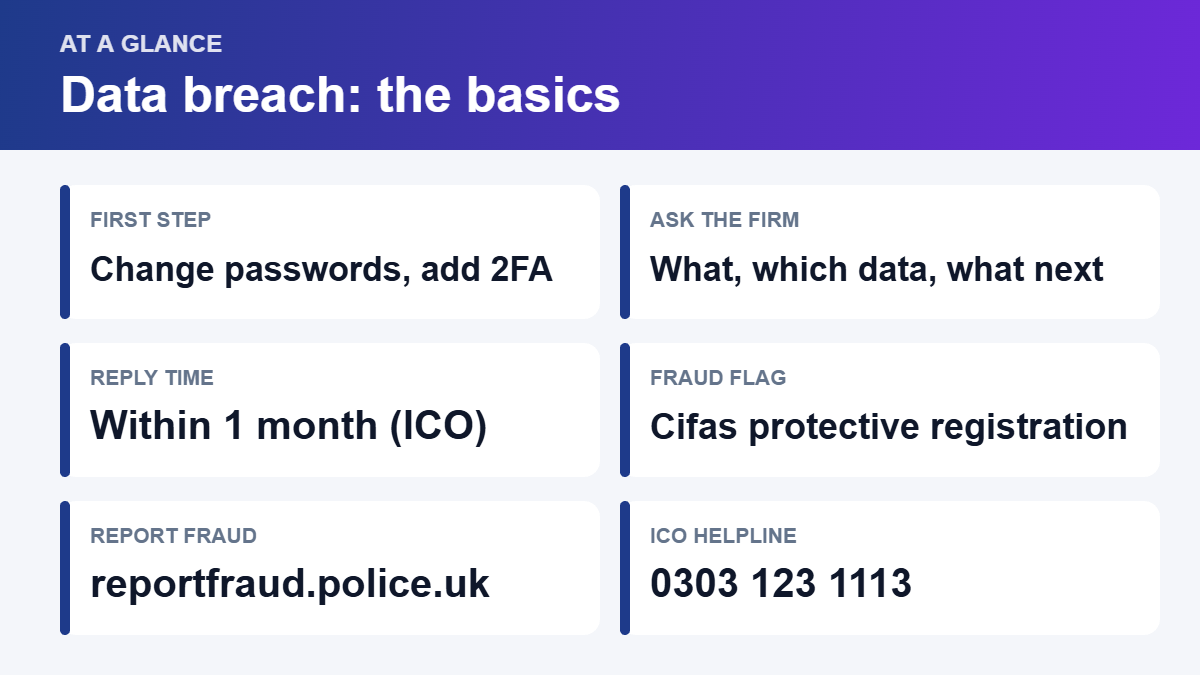
Quick answer: change the password on the breached account and anywhere you reused it, turn on two-factor authentication, tell your bank if financial details were involved, and treat every email, text or call about the breach as suspect until you have checked it yourself. Then ask the organisation what happened, and keep a record of everything.
What counts as a data breach?
A personal data breach is when information that can identify you has been lost, damaged or shared when it should not have been. That can be a hacker, a lost laptop, an email sent to the wrong person, or a supplier’s mistake. You might hear about it from the company, from the news, or from a breach-checking service.

Be careful with notifications. Fake “your data was leaked” messages are a common phishing tactic. Do not click links in the message. Go to the company’s website or app yourself, or call the number on your card or an old bill.
First hour: secure your accounts
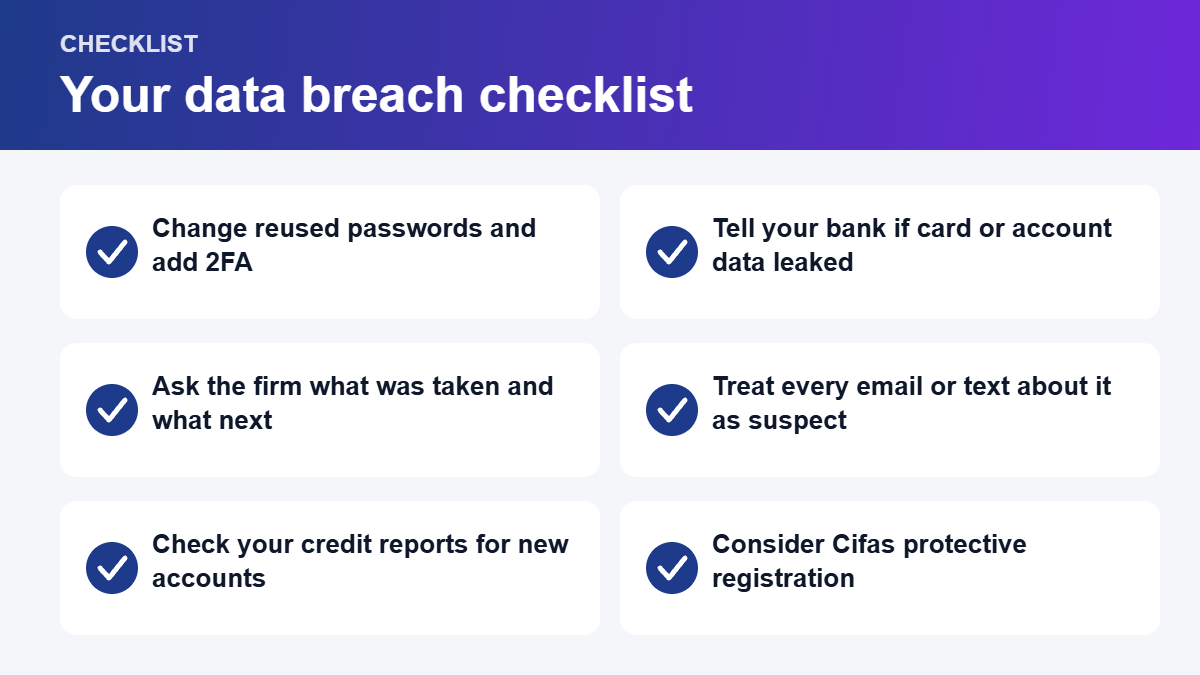
- Change the password on the breached account, then on every other account where you used the same one.
- Turn on two-factor authentication wherever it is offered. Our guide to two-factor authentication shows how.
- Use a different strong password for each account, ideally stored in a password manager.
- Check your email and phone accounts first, because they can be used to reset your other passwords.
- Tell your bank or card company about any unusual transactions, or if card or account details were part of the breach.
What leaked and what to do first
| What was exposed | What to do first |
|---|---|
| Password | Change it everywhere you used it and switch on two-factor authentication |
| Email address | Expect phishing emails that mention the company, and do not click their links |
| Phone number | Expect scam calls and texts. Forward scam texts to 7726 |
| Bank or card details | Contact your bank or card company now so they can watch the account or replace the card |
| Passport or driving licence details | Report lost or stolen documents to the organisation that issued them and ask what they advise |
| Date of birth, address, National Insurance number | Check your credit reports for accounts you do not recognise and consider Cifas protective registration |
| Health or other sensitive information | Ask the organisation for details, then call the ICO helpline for advice |
Ask the organisation the right questions
The ICO advises contacting the organisation and asking it to explain what has happened, what information was affected, and what steps it plans to take to protect your information. The organisation should reply within one month.
- Keep a record of every contact: who you spoke to and when.
- Follow up phone calls in writing so you have a paper trail.
- Chase politely if you hear nothing.
- Ask whether the breach has been reported to the ICO.
Watch for scams after a breach
Criminals often use leaked details to make their messages look real, for example by quoting your name or the company you use. Slow down, and use our guide to spotting phishing emails and scam texts. The ICO points people to the National Cyber Security Centre for advice on suspicious emails, texts and websites.
| What you received | What to do |
|---|---|
| Suspicious text | Forward it to 7726, then delete it |
| Suspicious email | Forward it to report@phishing.gov.uk, then delete it |
| Suspicious call | Hang up, then call the organisation back on a number you trust |
| You have lost money or been tricked | Call your bank straight away, then report it to Report Fraud |
Protect your identity
If personal details such as your name, address and date of birth leaked, someone could try to open accounts in your name. Check your credit reports with the credit reference agencies, such as Experian, Equifax and TransUnion, for accounts you do not recognise.
More in Tech
The ICO also suggests applying for Cifas protective registration. Cifas is the UK’s fraud prevention service, and registration places a warning flag on your details in its National Fraud Database, so organisations carry out extra identity checks when someone applies for credit in your name. Check Cifas for its current terms and any fee.
Where to report fraud
Report Fraud has replaced Action Fraud as the national service for reporting fraud and cyber crime in England, Wales and Northern Ireland. You can report online at reportfraud.police.uk or call 0300 123 2040. In Scotland, call Police Scotland on 101.
Can you complain or claim compensation?
You can ask the ICO for help. Its helpline is 0303 123 1113, and it also offers live chat. It can help you decide whether to complain and suggest protective steps. If you complain, it may look into the matter and recommend improvements to the organisation. The ICO also has a template for making a data protection complaint to the organisation yourself.
The ICO does not award compensation. Data protection law lets you ask a court for compensation if you suffered damage because an organisation broke the rules. If you are thinking about a claim, keep your records and take independent legal advice first.
Data breach FAQ
How do I know if my data has been breached?
You may get a notification from the organisation, see news coverage, or find your email address in a breach-checking service such as Have I Been Pwned. Type your email only into the genuine service, and be wary of look-alike sites.
Should I change all my passwords?
Change the password on the breached account and every account where you reused it. If you reuse passwords widely, it is worth moving to a unique password for each account.
How long does the organisation have to reply?
The ICO says the organisation should reply within one month of you contacting it. Keep a record of when you wrote.
Is a breach email real or a scam?
You cannot tell from the email alone. Do not click its links. Check the company’s official website or app, or contact it using details you already trust.
Do I need to pay anyone to fix a breach?
No. Be cautious of anyone who contacts you offering to remove your data for a fee, or who asks for your passwords or bank details.
The bottom line
A data breach is stressful, but most of the harm can be avoided by acting quickly: secure your accounts, ask the organisation for facts, expect scam messages, and watch your credit file. Keep a record of every step, and use the ICO and Report Fraud if you need help. This article is general information, not legal advice. Last checked November 2026.