Streaming was meant to be cheaper than cable, but a few subscriptions soon add up, and prices keep rising. In early September 2026, Netflix raised its UK prices again, its second increase of the year, with the cheapest ad-supported plan reported at £7.99 a month, up a third from £5.99. The good news is that you can cut the bill a lot without giving up the shows you actually watch. Prices and plans change often, so treat the figures here as examples and check each service before deciding.
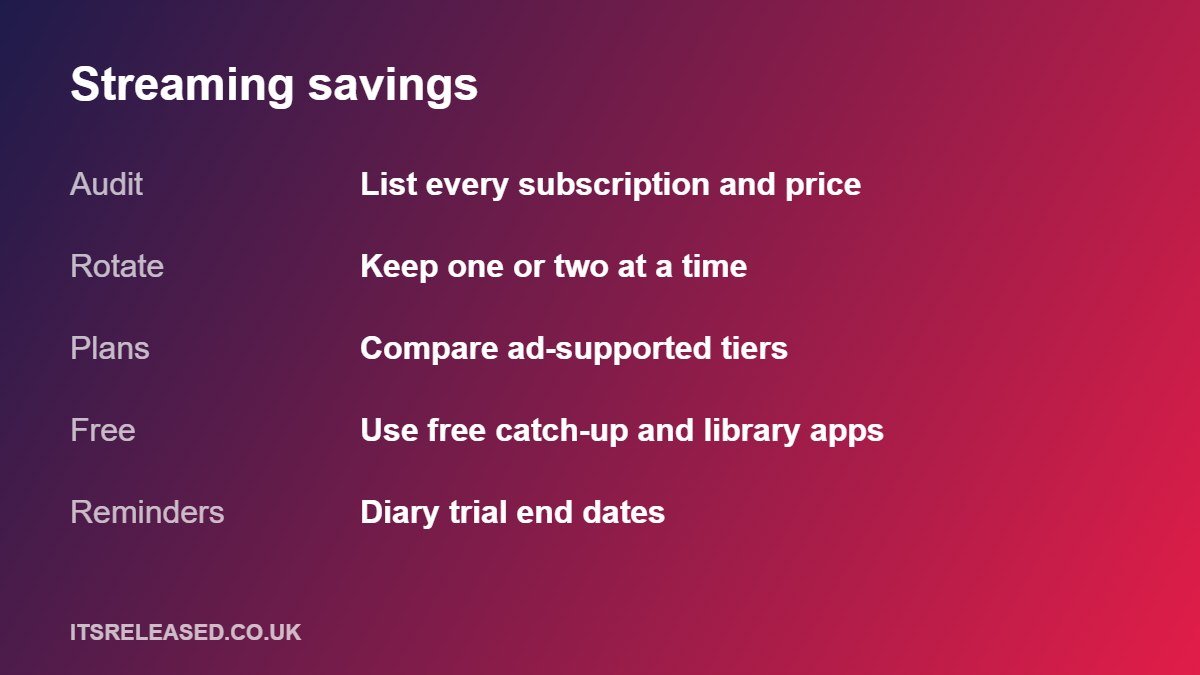
Step 1: Audit What You Pay For
Open your bank app and search the last three months for recurring payments. Include app store subscriptions, annual plans and bundles through your phone or broadband provider, because these are the easiest to forget. Then fill in a simple table.
| Service | Monthly cost | Hours watched last month | Keep, pause or cancel? |
|---|---|---|---|
| Example: Service A | £__ | __ | __ |
| Example: Service B | £__ | __ | __ |
| Example: Service C | £__ | __ | __ |
A useful rule: divide the monthly price by the hours you watched. If one service costs you far more per hour than the others, it is the first candidate to pause.
Step 2: Rotate Instead of Stacking
Most people follow a few shows at a time, not every service all year. Rotation means keeping one or two services active, then switching when you have finished what you wanted. Because most services let you cancel and return, your cost drops to the months you actually use. Here is an illustrative example with made-up round numbers to show the idea.
| Approach | Example setup | Example yearly cost |
|---|---|---|
| Stack four services all year | 4 services at £10 a month | £480 |
| Rotate, two at a time | 2 services at £10 a month | £240 |
| Rotate, one at a time, with gaps | 1 service at £10 for 9 months | £90 |
Your real numbers will differ, but the pattern holds: fewer months of fewer services means a lower yearly bill.
Step 3: Compare Plan Tiers Honestly
Most big services now have an ad-supported tier and one or more ad-free tiers. When Netflix raised prices in September 2026, the consumer comparison site Uswitch pointed out that moving from the Standard plan to the ad-supported plan would save about £6 a month, around £72 a year. That is a real saving if you can live with adverts. Before switching, check what you lose:
- Adverts and how many minutes per hour.
- A small number of titles that may not be available on the ad tier due to licensing.
- Video quality, simultaneous screens and downloads.
- Extra member options, if you share within the rules.
Step 4: Use Free and Cheaper Sources First
Free catch-up services from UK broadcasters, library apps, and free ad-supported channels can cover a lot of viewing. Remember that you need a TV Licence to watch live TV and to use BBC iPlayer, and the standard licence fee was reported at £174.50 a year from April 2026. Check the current fee and rules before relying on this.
More in Entertainment
Step 5: Use Free Trials Carefully
Trials are a good way to try a service, but they usually roll into a paid plan. Put the end date in your calendar a day or two early. Some services no longer offer free trials in the UK, so check before signing up.
Step 6: Check Bundles and Existing Memberships
Some phone, broadband and card providers include streaming perks, and a few memberships include a service as part of a package. Compare the real total with paying separately, and only count a bundle as a saving if you will actually use what is included.
Step 7: Share Only Within the Rules
Netflix and others have tightened password sharing. Some now offer paid “extra member” options. If you want to split the cost with family, read the current terms and use the official option rather than workarounds that can get an account restricted.
Step 8: Stay Away From “Free Everything” Sites
Unofficial sites and apps that promise paid content for nothing or for a tiny fee often carry malware, scams or legal risk, and they can lead to stolen accounts. The saving is not worth it. Protect yourself with strong unique passwords and two-factor sign-in; see our two-factor authentication guide and cybersecurity basics.
Step 9: Put Entertainment in a Budget
Decide on a monthly entertainment limit and stick to it. If you already track other spending, use the same method described in our budgeting guide. Review the list every three months, because price rises and new releases change what is worth paying for.
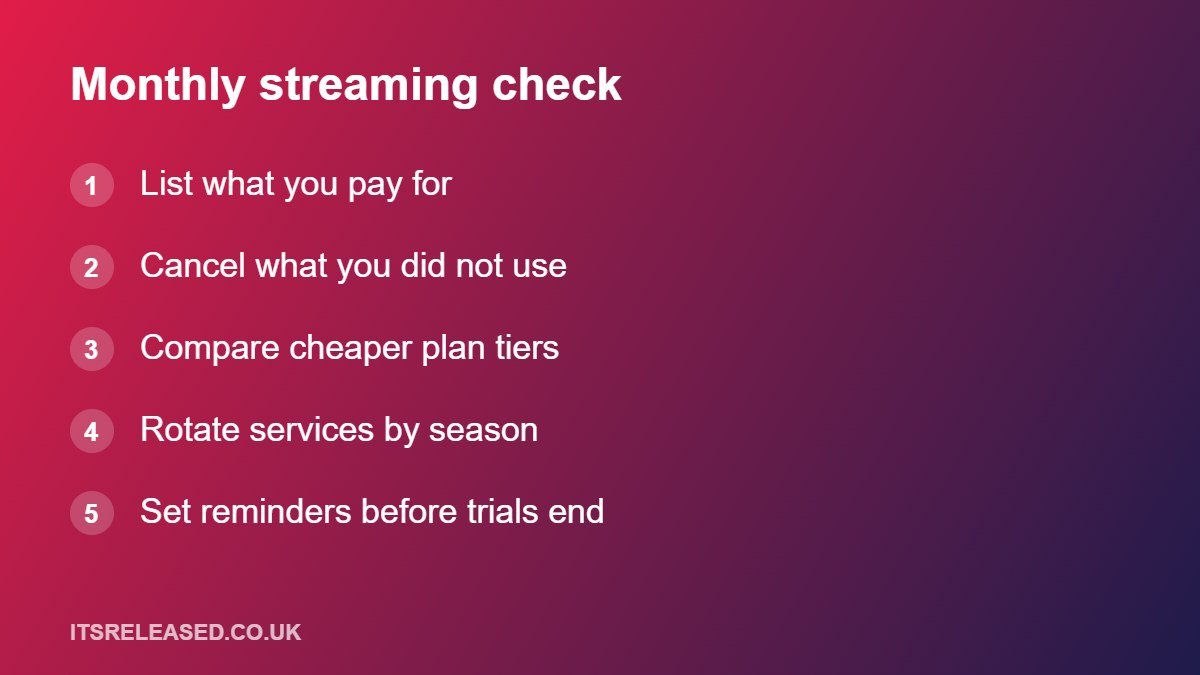
Monthly Streaming Check (5 Minutes)
| Question | If the answer is no |
|---|---|
| Did I watch this service last month? | Pause or cancel it |
| Is there a show I am waiting for? | Plan the month to restart it |
| Is a cheaper tier enough for me? | Switch to the ad tier or a lower plan |
| Is a free trial about to end? | Cancel or confirm you want to continue |
| Am I still under my entertainment budget? | Drop the lowest-value service |
Frequently Asked Questions
Is rotating really cheaper?
Usually, yes, if you only follow a few shows at a time. You pay only for the months you use.
Do I lose my watchlist if I cancel?
Policies differ, but many services keep your profile for a period. Check the service’s help page before you cancel.
Are ad-supported plans worth it?
They can save a lot, particularly after price rises, if you accept adverts and a few missing titles.
Do I need a TV Licence for streaming?
You need one to watch live TV on any channel or service and to use BBC iPlayer. Check the current rules on the official TV Licensing site.
Are free streaming sites safe?
Unofficial sites carry real risks. Stick to legitimate services.
Final Thoughts
Audit what you pay for, rotate services, compare tiers and use free options first. With prices rising, a five-minute monthly check can easily save you tens of pounds a year without losing the shows you love.