Search engines reward pages that are genuinely useful, so the best SEO-friendly blog post is first of all a good post for a real reader. Google’s own guidance talks about “people-first” content: written to help the person searching, not to game a ranking system. This guide turns that idea into a practical checklist you can use every time you publish. No one can promise rankings, but these habits remove common reasons posts get ignored.
1. Start With Search Intent
Before writing, decide what the searcher wants. Look at the current results for your topic and note the type of page that appears: a how-to guide, a list, a comparison, a definition or a product page. If every result is a step-by-step guide, a vague opinion piece will struggle. Then ask what those pages miss. That gap is your angle.
| Search intent | Example query | Best format |
|---|---|---|
| Learn something | what is a meta description | Clear explanation with examples |
| Do something | how to write a blog post | Step-by-step guide |
| Compare | best blogging platforms | Comparison with criteria |
| Find a site or brand | charfen.co.uk | Honest overview page |
2. Add Something New (Information Gain)
Many posts repeat what ten other pages say. Posts that add something tend to stand out: your own experience, a real example, original screenshots, a simple calculation, a checklist, a table that makes a decision easier, or a clearly explained mistake to avoid. Ask yourself before publishing: what does this page give the reader that they cannot get from the first three results?

3. Choose a Main Keyword, Then Write Naturally
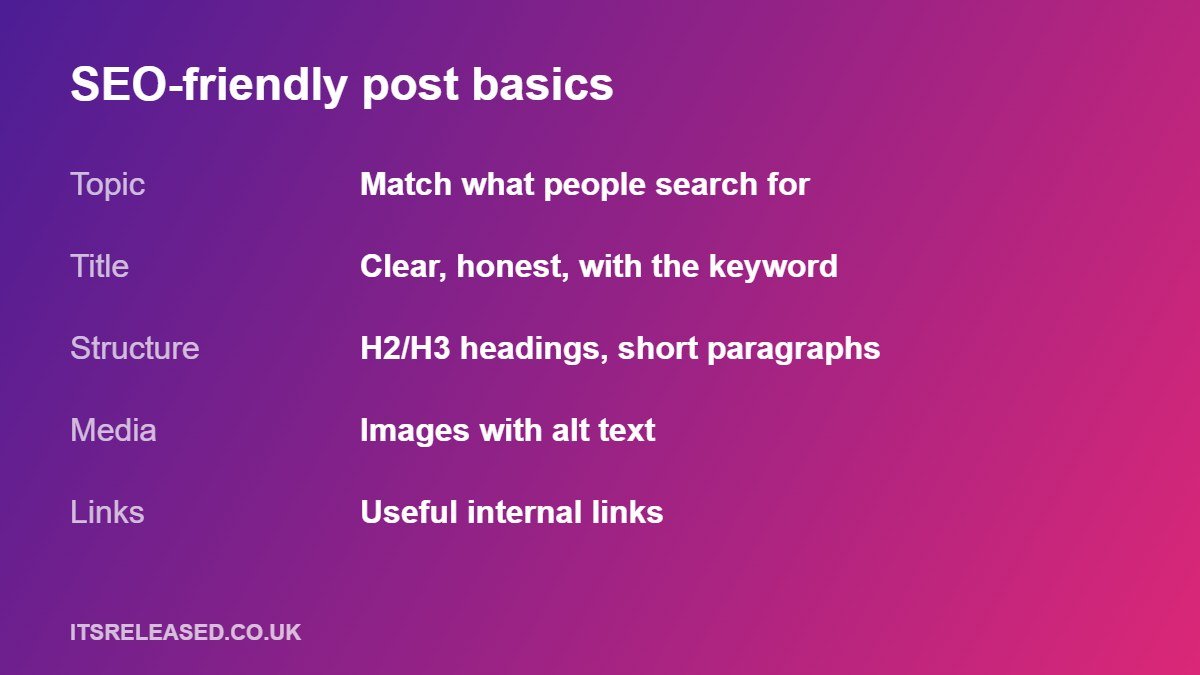
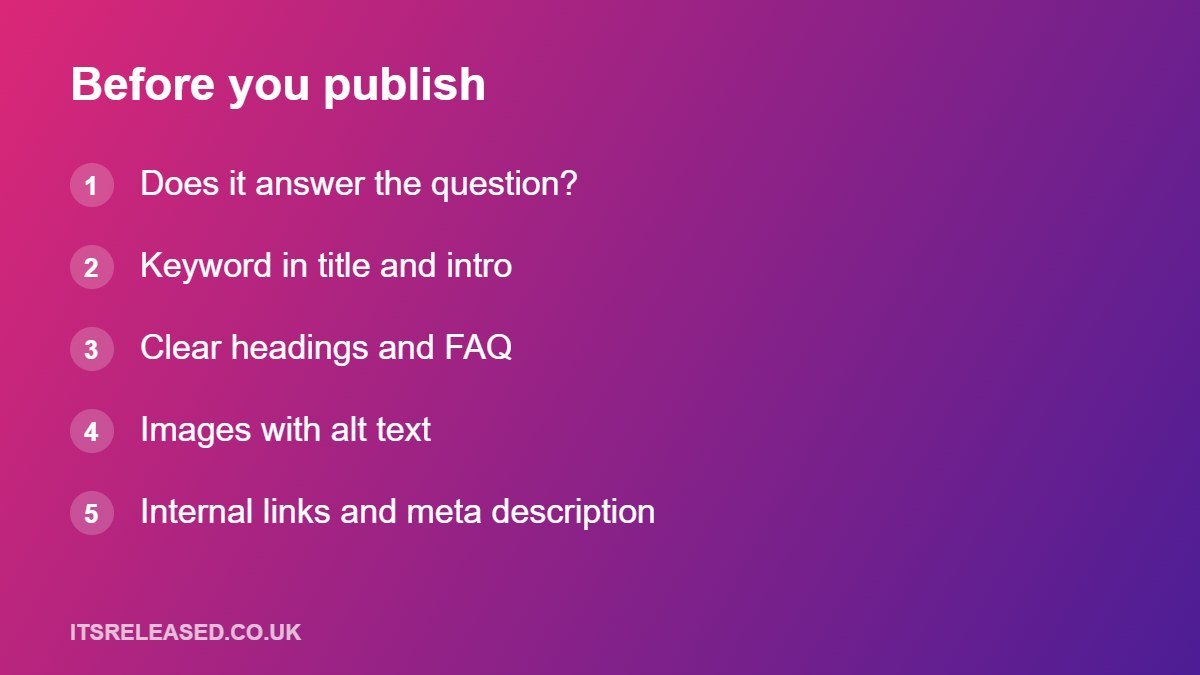
Pick one phrase that describes the topic and put it in the title, the opening paragraph and at least one heading where it fits naturally. Use related phrases and questions in headings and the FAQ. Do not repeat the keyword mechanically. If a sentence reads awkwardly because of a keyword, rewrite it.
4. Write a Clear Title and Heading
A good title is specific, honest and easy to scan. Google can change the title it shows in results, using your title tag, main heading and other page text, so make sure your visible heading and your title tag say the same thing. Avoid clickbait that the article does not deliver.
5. Structure the Page for Scanning
- Use one H1 (the post title) and logical H2 and H3 headings.
- Keep paragraphs short, with one idea each.
- Use lists and tables when they make comparison easier.
- Put the direct answer near the top, then explain.
6. Use Images With Useful Alt Text
Add images only where they help, such as a diagram, screenshot or chart. Give each a short, descriptive alt text that explains what it shows, and compress images so the page loads quickly. Name files clearly rather than leaving camera numbers.
7. Link Internally With Descriptive Anchor Text
Links help readers continue and help search engines discover and understand your pages. Use short, descriptive anchor text instead of “click here”. For example, if you are writing about snippets in search results, you could point readers to our guide on meta tag generator tools. For a business-focused post, a link to the one-page business plan guide makes sense. Only link where it genuinely helps the reader.
More in Blogs
8. Write a Meta Description Worth Clicking
The meta description is a short summary that may appear under your title. Google may rewrite it, but a clear, accurate one gives you a better chance of a good snippet. Describe what the reader will get, and make it unique for each post.
9. Keep Pages Fast and Mobile-Friendly
Most visitors read on phones. Check that text is readable, buttons are easy to tap, and the page does not jump around while loading. Heavy images and too many plugins are common causes of slow pages.
10. Avoid Thin and Near-Duplicate Posts
Publishing many pages on tiny variations of the same keyword, with little new in each, goes against people-first guidance and can dilute your site. If two posts target the same intent, combine them into one stronger page and redirect the old URL.
11. Add an FAQ From Real Questions
Look at the related questions people ask, the questions readers email you, and the comments on competing posts. Answer a handful clearly. Do not pad the FAQ with questions nobody asks.
Pre-Publish Checklist
| Check | Question to ask |
|---|---|
| Intent | Does the page do what the searcher wanted? |
| Value | What is new or more useful than the top results? |
| Accuracy | Are facts correct, current and honest about uncertainty? |
| Structure | Clear H2/H3, short paragraphs, helpful table or list? |
| SEO basics | Keyword in title, intro and a heading; meta description; alt text? |
| Links | Relevant internal links with descriptive anchors? |
| Page experience | Is the page readable on a phone and quick to load? |
After Publishing
Request indexing in Search Console for important new URLs, then wait. Check the Performance report after a few weeks to see which queries bring impressions. Update posts that are close to ranking by improving the intro, adding missing sections and fixing weak spots. Keep working like a publisher, and your content library will build over time.
Frequently Asked Questions
How long should a blog post be?
As long as it needs to be to answer the question well. Length is not a ranking factor on its own.
How many keywords should I use?
Focus on one main topic with related phrases used naturally.
How long does SEO take?
Often weeks to months, and results are never guaranteed, especially for a new site.
Is it OK to use AI to help write?
Google’s stated focus is on helpfulness and quality, not on how content is produced. Whatever tools you use, check facts and add real value.
Should I update old posts?
Yes. Fixing outdated information and improving weak sections often helps more than writing another thin post.
Final Thoughts
Match the intent, add something genuinely useful, structure the page well, link sensibly and check quality before you publish. Do that consistently and your blog gives search engines good reasons to show it.