The term “blacklisted” is a major red flag for anyone looking to buy and sell or use a smartphone. It means the device has been flagged to prevent access to cellular networks. Typically, this happens when a phone has been reported as lost or stolen or is linked to unpaid bills. This article explores why phones get blacklisted. To stay safe, many people use an IMEI checker to see if a phone is blacklisted before purchase.
Section 1: The Global IMEI Blacklist Explained
The global IMEI blacklist is a centralized database maintained by the GSM Association. Carriers share phone details worldwide about devices that are reported lost or flagged. When a device is also linked to fraud, its IMEI number gets added. This number makes sure blocked phones can’t connect to networks, even with another SIM card. Carriers use the DB, which stops blacklisted phones from working across countries and prevents fraud.
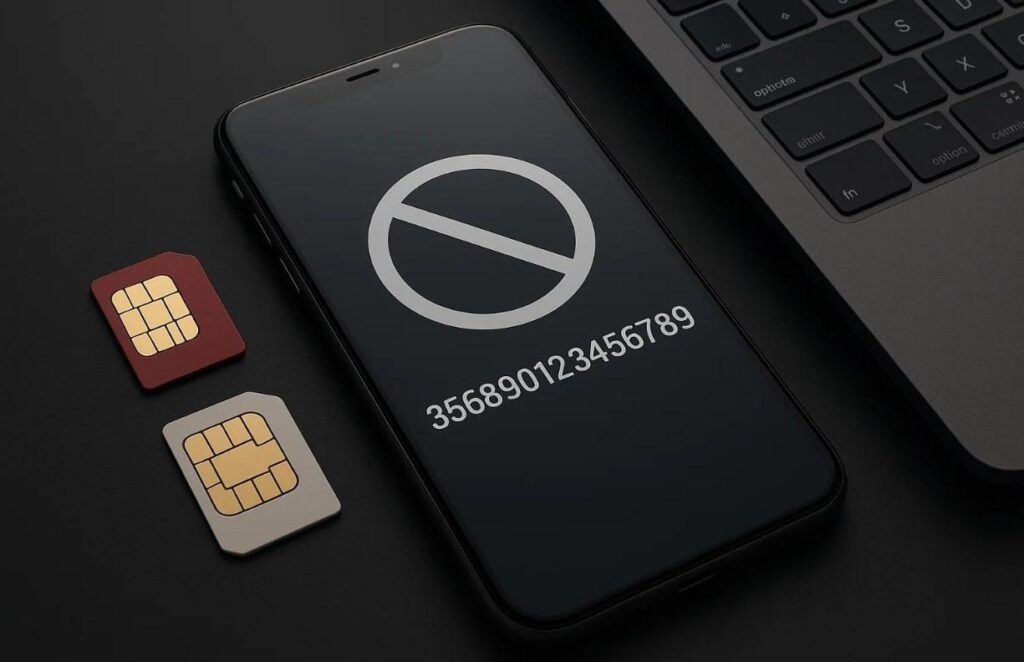
Each mobile operator keeps an Equipment Identity Register (EIR) synced daily with the CBD. Once any carrier blacklists a phone, it becomes useless on all connected networks. This system helps protect people, stop phone theft, and reduce fraud across countries. It also keeps stolen devices out of used markets worldwide. At this point, many users use an IMEI check free online to check their phone’s status.
Section 2: Top 5 Reasons a Phone Gets Blacklisted
Phones can be blocked from networks for several avoidable reasons that buyers should know. Upon knowing these reasons, it helps buyers avoid risky devices and stay safe during purchases. Below, we will explore a few main reasons to help you understand why your phone is blacklisted:
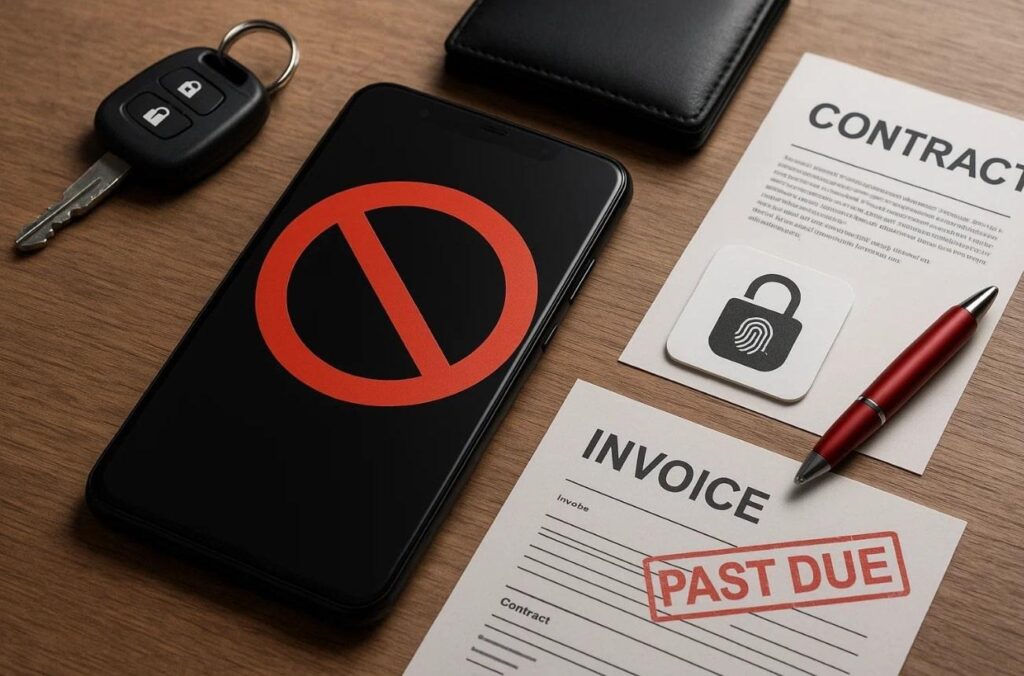
- Stolen Device: When reported stolen, the phone is blocked to prevent any unlawful resale. Carriers update records quickly, ensuring stolen phones cannot connect to working mobile networks.
- Lost Report: Owners who lose phones report them, making the devices unusable on carriers. This process protects personal data and discourages misuse by people who find it.
- Contract Breach: Phones bought on contracts may be blocked if agreements are broken early. Carriers enforce these terms strictly to recover costs and maintain balanced systems.
- Unpaid Bills: In case the previous owner fails to pay, carriers may blacklist the phone. So, this ensures sellers clear outstanding dues before buyers can use the device.
- Security Risk: Devices linked with suspicious activity are blacklisted as protection. To cater to this, buyers should always use a free IMEI checker before purchasing such devices.
Section 3: 5 Consequences of Owning a Blacklisted Device
Owning a blacklisted phone can cause many problems beyond just blocked calls. Understanding these impacts early helps users make better choices using an IMEI checker. Thus, this section covers the 5 common results after getting a blacklisted phone:
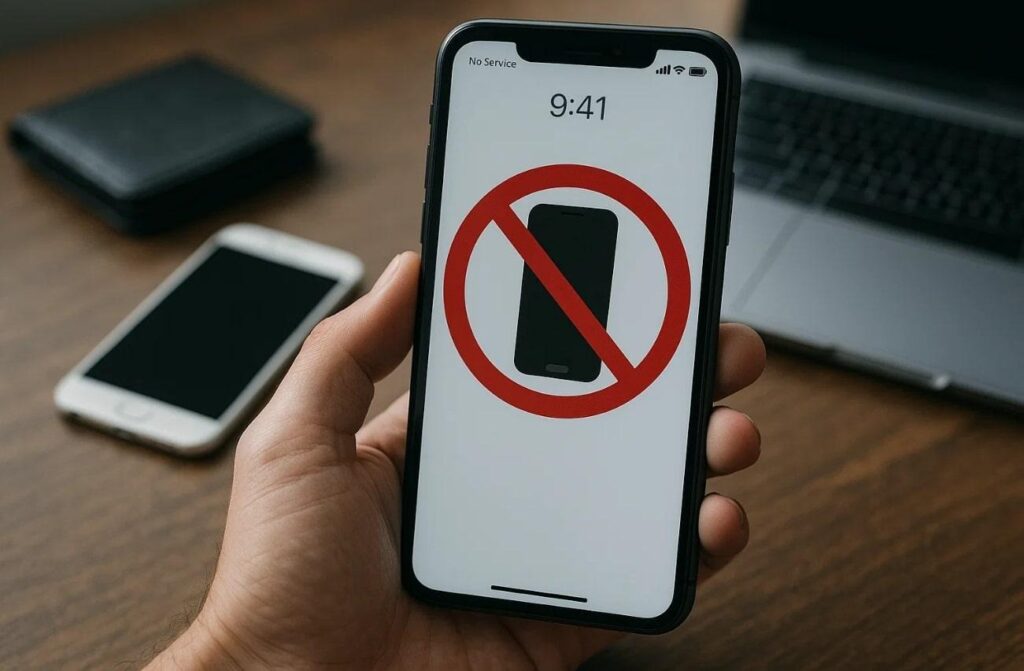
- No Service: The phone cannot connect to mobile networks, making regular communication impossible. Calls, messages, and internet access are blocked, which removes the device’s primary useful functions.
- Low Value: Blacklisted phones lose value quickly, making resale or trade nearly impossible. Buyers avoid these devices and reduce the seller’s chances of recovering any investment.
- Legal Issues: Owning a stolen phone may still bring legal trouble to buyers. Plus, authorities may seize the device, which leaves the buyer with financial and emotional stress.
- No Warranty: Manufacturers deny warranty coverage for blacklisted devices without valid ownership proof. This reduces trust and discourages buyers from purchasing devices with uncertain records.
- Account Lock: Phones may also stay locked under iCloud or Google accounts after blacklisting. It prevents setup and leaves the device useless without the required details.
Section 4: How to Instantly Check for Blacklist Status for Free
When buying a used device, verifying its actual status is very important. One dedicated option is the Dr.Fone Online Unlock, which delivers instant details. It works for both Android and iOS devices, offering deep reports in seconds. You enter your IMEI and instantly receive a verified report of the phone’s status. This helps avoid hidden issues like blacklist problems, warranty expiry, or activation locks.
It also supports Apple Activation Lock checks to confirm if iPhones are accessible. Besides, the tool includes iCloud Account Status checks to prevent issues linked with devices. For organizations, it verifies the MDM Lock Status to ensure the device is not restricted. You can also check Samsung KNOX Guard, which protects buyers from usage limitations. Performing an IMEI check free with Dr.Fone takes only 30 seconds and delivers 100% results.
Key Features
- Full Info: Gives complete device information, including model, storage, serial, and warranty details.
- Part Number: Displays original part number to ensure genuine parts and device verification.
- Save Report: Allows downloading and saving detailed reports for proof during future transactions.
Guide to Instantly Check for Blacklist Status for Free via Dr.Fone Online
Checking a phone’s status is simple with clear steps that anyone can easily follow. So, go through the given guide to find out how you can use this dedicated free IMEI checker to check your phone status:
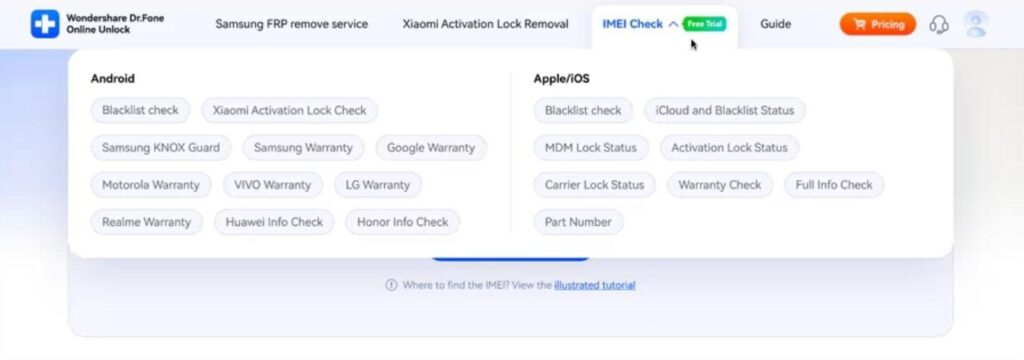
Step 1. Access the Dr.Fone IMEI Check Page
Select the type of check, like Blacklist Check, you want to run under the “IMEI Check” drop-down after accessing the site in your browser.
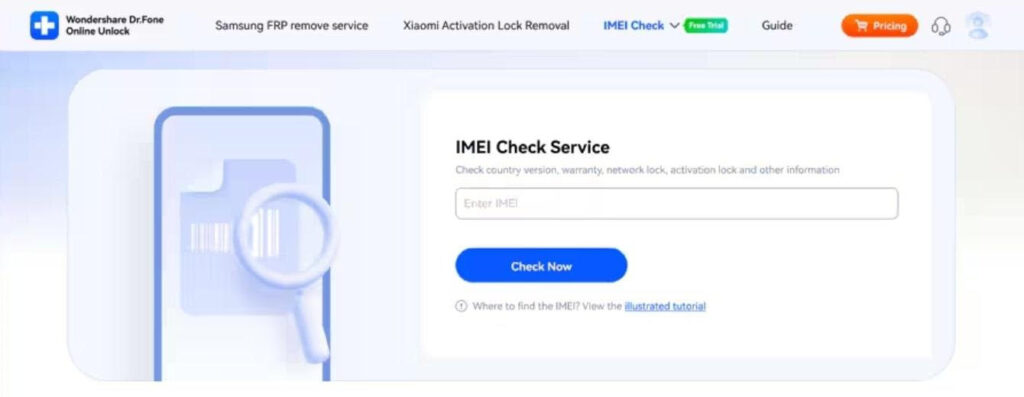
Step 2. Enter Your Device’s IMEI Code
On the following screen, type your phone’s IMEI number into the input box and hit the “Check Now” button.
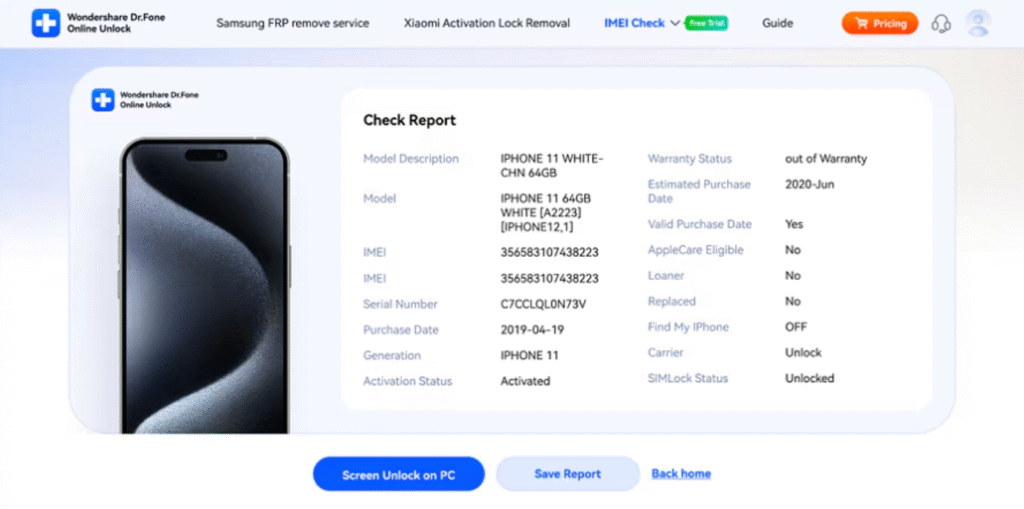
Step 3. View and Save the IMEI Report
Once the system finishes the check, a detailed report will appear with your device’s information. Afterward, you need to press the “Save Report” button to download and keep a copy for later.
Conclusion
In summary, a blacklisted phone can cause serious issues, from blocked service to financial loss. Knowing the risks helps buyers and sellers avoid trouble when dealing with used phones. Always check the device’s status before making any payment or trade decision.
Using a trusted IMEI checker gives accurate details about locks, blacklist, and warranty status. For instant results and complete safety, every buyer should rely on Dr.Fone Online Unlock.