In today’s world, when content is king, high-quality video is more than a nice-to-have; it’s a must-have. If you produce videos, sell them, or make movies, having the correct tools to improve their quality may make a big impact. There are a lot of AI-powered video editing tools on the market that promise professional results with no work. But which AI video enhancer is best for you?
We’ll review some of the greatest AI video enhancement and editing tools in this post, like HitPaw VikPea, to help you choose the one that works best for you.
Why AI Video Enhancement Tools Are Important
Before we compare, let’s look at why AI video enhancement is becoming the best choice for video editors:
Time Efficiency: AI tools can do things like upscaling, noise reduction, color correction, and motion smoothing all by themselves.
Better Output Quality: You don’t need pricey gear to get HD or 4K output anymore.
Easy-to-use interfaces: Most AI video enhancers are made for those who have never edited before.
Important things to look for in an AI video enhancer
When looking at AI video editing tools, keep these things in mind:
- Increasing the resolution (for example, from 1080p to 4K)
- Lowering noise and grain
- Fixing the color and brightness
- Stabilization of motion
- Processing in batches
- Speed and formats for export
Now let’s look at some of the best tools in this area, starting with our top choice, HitPaw VikPea.
- HitPaw VikPea: The best AI video enhancement tool that does everything
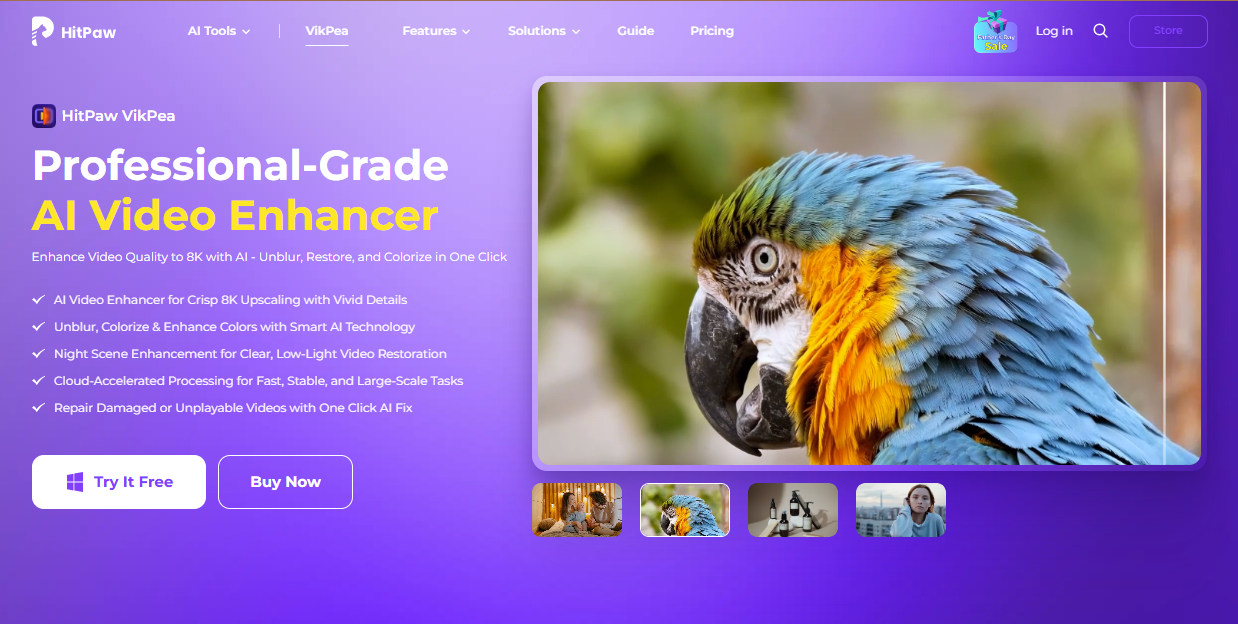
HitPaw VikPea is a strong and easy-to-use free video enhancer that uses complex AI models to improve video quality with little effort. It’s perfect for designers who require professional-level output but don’t want to cope with the complicated features of standard editing tools.
Key Features:
- AI Upscaling: Changes SD films to HD or even 4K without adding any artifacts.
- Multiple AI Models: Made for animation, human faces, poor light, and general improvement.
- Easy-to-use interface: great for both beginners and experts.
- Batch Processing: Improve the quality of several movies at once.
- Fast Rendering: Designed to be quick without losing quality.
Pros:
- Easy to use UI
- Works with most common video formats
- A strong AI engine that gets results quickly and beautifully
Perfect for YouTubers, vloggers, social media influencers, teachers, and small companies who want an AI video enhancer that doesn’t cost a lot.
- Topaz Video AI is the best choice for professionals
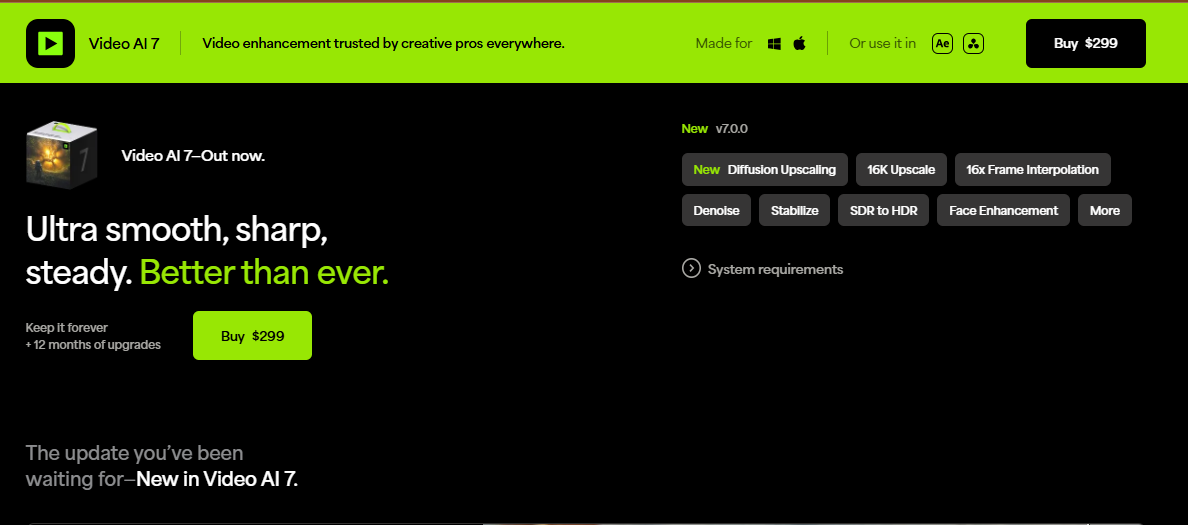
Topaz Video AI is noted for its AI models that are quite good and its ability to provide you with fine control. Filmmakers and video production specialists like it a lot.
Key Features:
- Slow-motion improvement
- Interpolate frames
- Remove noise and blur from AI.
- Upscaling to 8K
Pros:
- Very accurate
- Gives you additional discretion over how to improve settings
Cons:
- It’s harder to learn.
- More expensive than other options
Perfect for: Professional editors who need full control over commercial-grade footage.
- Adobe Premiere Pro with AI Plugins — Best for people who use Adobe products
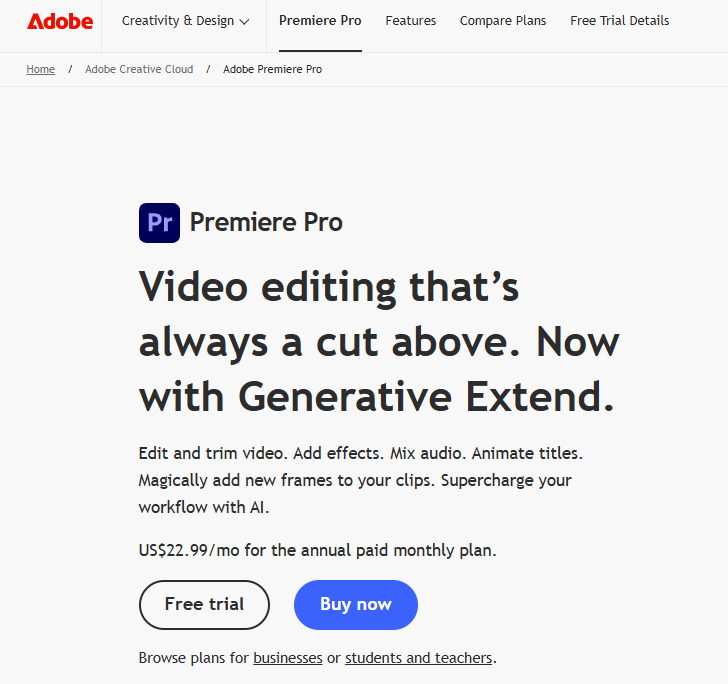
Adobe Premiere Pro is a comprehensive editing package that comes with Sensei AI and third-party plugins that make video editing easier.
Features:
- Automatic color and lighting adjustments are included in
- Working with other Adobe programs
- AI voice and audio cleaning (with Adobe Podcast)
Pros:
- Strong ecosystem
- Features that are always changing
- The subscription model is a con.
- Needs to know how to edit
Best for: People who already use Adobe and want to add AI improvements without changing their process.
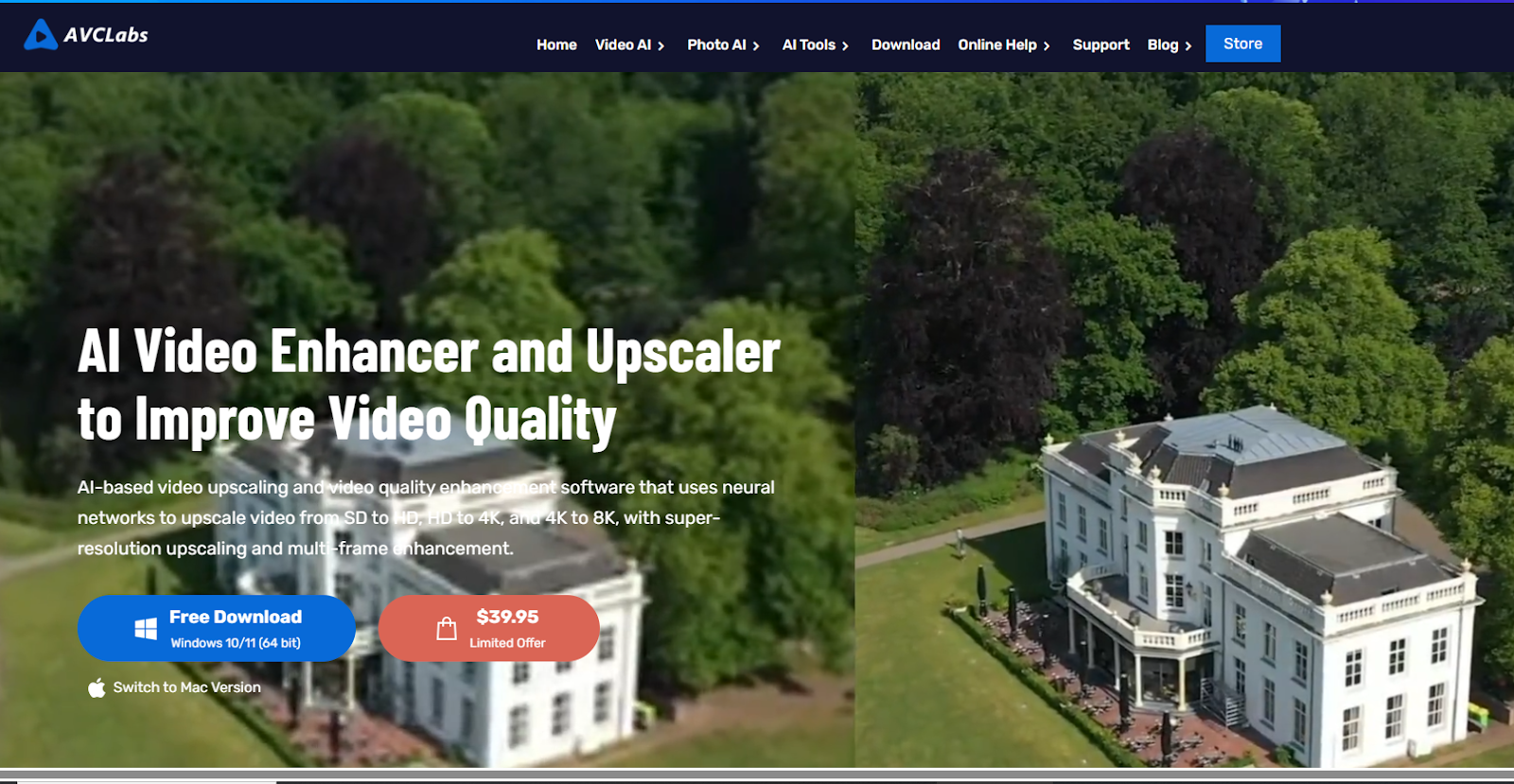
- AVCLabs Video Enhancer AI: The best program for fixing old videos
AVCLabs’s main goal is to fix and improve outdated or low-quality videos. If you want to bring back old family films or old material, this is a good alternative.
Features:
- Restoring videos and getting rid of blur
- AI upscaling
- Interpolation of frames
Pros:
- Great for old and historical videos
- Improvement with one click
Cons:
- Slower processing on older PCs
- Basic editing tools
- Best for: historians, archivists, and anyone who wants to restore their movies.
How to Use AI to Make Videos Look Better
It’s easier than ever to improve video quality using AI technologies like HitPaw VikPea:
- Set up the program and start it.
- Put your video file(s) on the internet.
- Pick an AI model that works with your content type.
- Look at the improvement ahead of time.
- Export in the format and resolution you want.
- That’s all there is to it—no technical skills needed!
Final Decision: Which AI Video Enhancer Should You Pick?
HitPaw VikPea is the obvious winner if you want an all-in-one solution that works well, has a great user interface, and is cheap. It has the right mix of strength and ease of use, making it great for producers of all levels.
Topaz Video AI is the best choice for professional-grade projects with big expenditures when it comes to control and production. Adobe Premiere Pro is good for people who already use Adobe products, while AVCLabs is good for bringing old video back to life.
There is an AI video enhancer that can improve your material and save you hours of labor, no matter what you require.