Almost everyone with an email address or a phone number has received a message that looked a bit off: a parcel you never ordered, a bank warning you were not expecting, or a prize you did not enter. These are phishing attempts, and they remain one of the most common ways criminals try to steal passwords and personal details. Knowing how to spot phishing emails and scam texts takes only a few minutes to learn, and it can save you a lot of trouble.
What Is Phishing?
Phishing is when someone pretends to be a trusted organisation, such as a bank, delivery company, government office or online shop, to trick you into sharing information or clicking a harmful link. When it arrives by text message it is often called smishing, and when it arrives by phone call it is sometimes called vishing. The aim is usually the same: to get you to enter a password, payment detail or one-time code on a fake page.
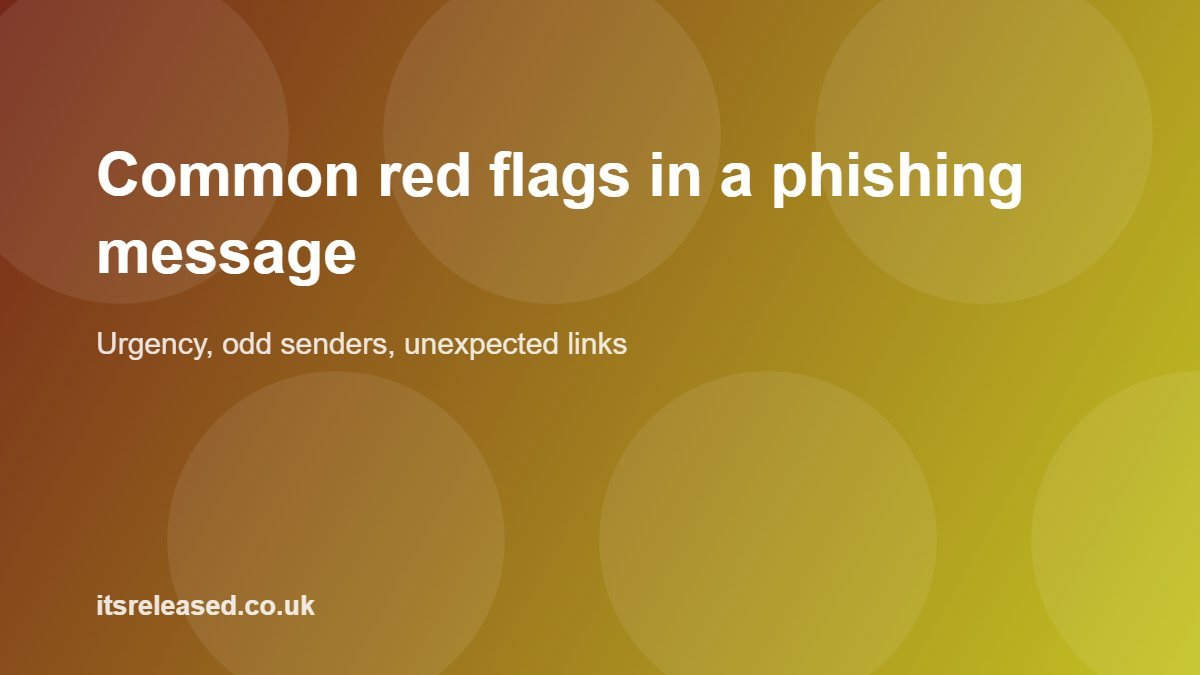
Common Red Flags in Emails
A sense of urgency or fear
Messages that say your account will be closed within 24 hours, or that a payment failed and you must act now, are designed to make you panic. Genuine organisations rarely demand instant action through a single link.

The sender address looks slightly wrong
Display names are easy to fake. Check the actual email address. Watch for small spelling changes, extra words or an unusual domain ending that does not match the company name.
Generic greetings and clumsy wording
“Dear customer” instead of your name can be a clue, although not all scams are badly written. Modern phishing emails can be polished, so never rely on spelling alone.
Unexpected attachments
Be cautious about invoices, voicemail files or “documents to review” that you were not expecting. Opening them can install harmful software.
Common Red Flags in Text Messages
Scam texts often claim to be about a missed delivery, a toll or fine, a bank security alert, or a refund. Typical warning signs include:
More in Tech
- A shortened or odd-looking link that you cannot verify.
- A number you do not recognise asking you to reply or tap quickly.
- A request for card details, a PIN or a one-time passcode.
- A message about something you did not order or do not use.
Never share a one-time code with anyone. Real companies do not ask you to read it back to them.
How to Check a Suspicious Message Safely
- Do not click. On a computer, hover over a link to preview where it leads. On a phone, press and hold to see the address.
- Go directly to the source. Open the company app or type its official website into your browser yourself.
- Call the official number. Use the number printed on your card or on the real website, not the one in the message.
- Ask someone. If it concerns work, check with your IT or finance team before acting.
Habits That Reduce Your Risk
A few simple habits make you a much harder target. Turn on two-step verification for your email, banking and social accounts. Use a password manager so every account has a unique password. Keep your phone and computer updated, since updates fix known security holes. If your device has become sluggish or full of unfamiliar software, our guide to speeding up a slow Windows PC is a useful companion read.
If you run a business or manage a team, scams aimed at staff are especially common. Our overview of small business cybersecurity basics covers the policies and training that help reduce the risk.
What to Do If You Clicked or Shared Details
Do not blame yourself; even careful people get caught. Act quickly and calmly:
- Change the password for the affected account, and for any other account that uses the same password.
- Turn on two-step verification if it was not already active.
- If you shared card or bank details, contact your bank using its official number and follow their advice.
- Run a security scan on your device and update it.
- Report the message. Many email providers have a “report phishing” option, and national bodies such as the UK National Cyber Security Centre accept reports of suspicious emails and texts.
Keep screenshots of the message in case you need them later.
Frequently Asked Questions
Can I get a virus just by opening a phishing email?
Simply opening an email is rarely dangerous on modern, updated systems. The risk usually comes from clicking links, downloading attachments or entering details on a fake page.
Should I reply to a scam text to tell them to stop?
No. Replying can confirm your number is active. Delete the message and report it through your phone provider or messaging app.
Are phishing emails always badly written?
No. Some are very convincing, so focus on the context: were you expecting it, is the sender genuine, and is it asking for something sensitive?
Is two-step verification really worth the effort?
Yes. Even if someone steals your password, they would need the second step to get in. It is one of the most effective protections available to ordinary users.
Where can I report a phishing message?
Use your email provider report button, forward scam texts to your mobile provider spam reporting service where available, and check your national cybersecurity authority for official reporting instructions.
Staying alert does not mean being afraid of every message. Pause, check, and go to the official source yourself. That one habit stops most scams.